Digital Asset Management
Catalog and organize every brand, event, product, and team asset based on what is actually in it.

GenuineAI automatically describes, tags, and rates every image you upload.


Media descriptions, people, and tags live in one view so your team always has the full picture.
4.5 AI Edit Describe what you need and GenuineAI finds the right image, collection, or asset.


Conversational Search
Describe what you need in plain language and GenuineAI's Media Assistant finds the right photo in seconds. Ask follow-up requests, make edits, and generate social media captions from the same thread.
GenuineAI analyzes, scores, and categorizes each image, replacing manual sorting with searchable metadata for marketing, sales, and creative teams.
AI-Powered Tagging
Intelligent Photo Analysis interacts with your Knowledge Base to identify and label the subjects, settings, people, products, and brand moments your team tracks.
Smart Flags
Establish clear, automated rules for brand presentation across your photos. The platform flags off-brand apparel, messy environments, inappropriate gestures, or other review triggers.
People & Facial Recognition
GenuineAI records age range, gender, mood, and visible context for individuals in every shot. Teams can find the right facilitator, executive, customer group, or team moment for social posts, web pages, and sales materials.
Add any asset to multiple albums without duplicating files. Group media by campaign, event, team, audience, and more while keeping a single source of truth.
Albums operate like folders, allowing individuals and teams to group exact assets together for immediate access. Add or remove Albums and individual photos manually.
Set precise filter criteria to route media automatically. The system adds matching assets directly into the Smart Album, eliminating manual drag-and-drop sorting entirely.
Mark individual assets as personal favorites. Favorites stay private to each user, giving everyone instant access to preferred media.
Manage editing permissions, external sharing, and approval workflows across your entire media library so every team member and vendor stays aligned and on-brand.
Permissions
Define who can view, download, edit, or share assets using GenuineAI's role-based permissions system.
External Sharing
Give partners, agencies, customers, or internal stakeholders instant access to approved assets with a single link. No account required.
Approval Workflows
Create custom status steps for your review cycle. Filter unapproved assets quickly so only cleared media moves into public-facing work.
Studio turns existing assets, templates, and brand context into new content across visual and written formats.
About StudioAI Edits
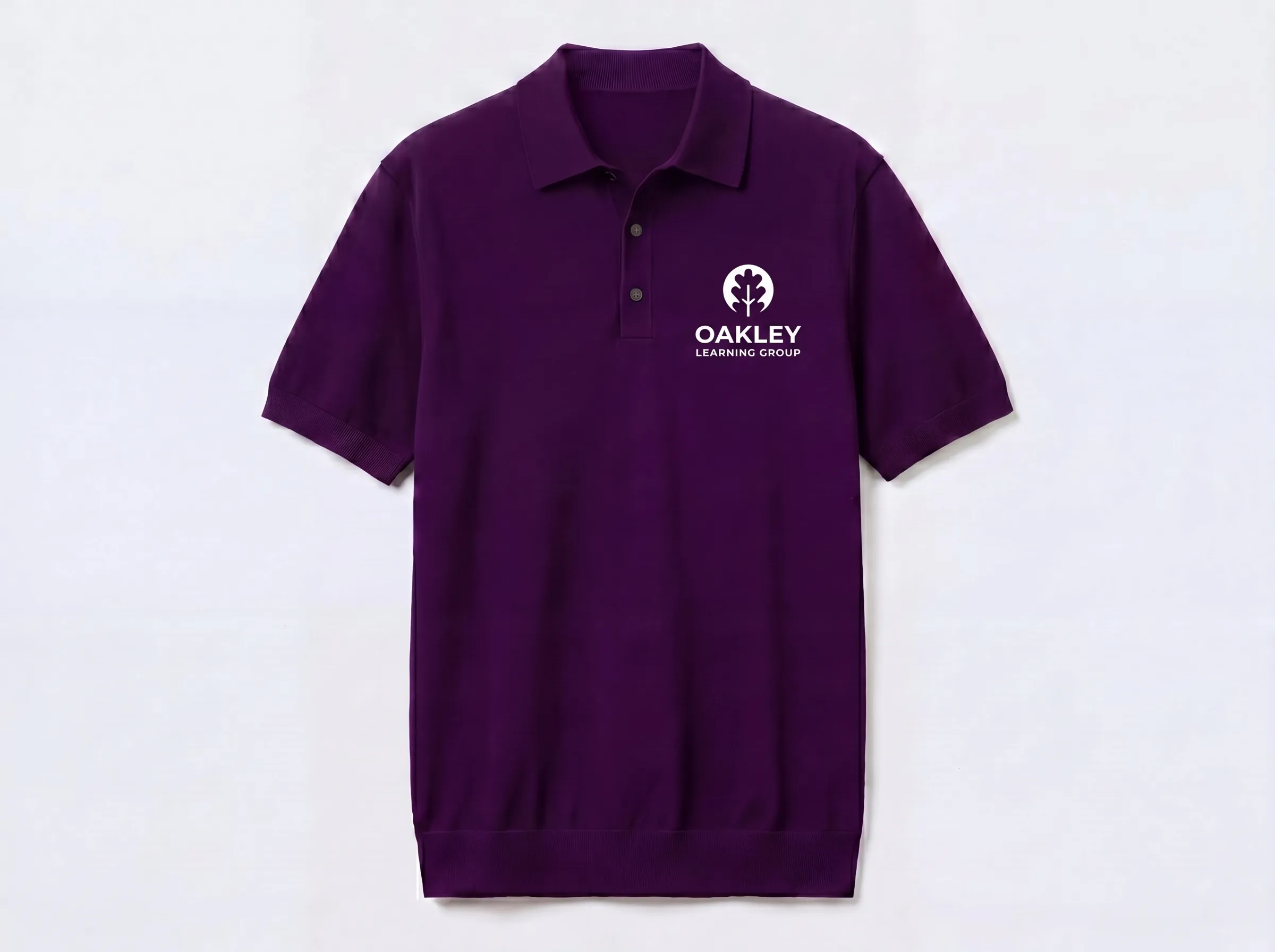
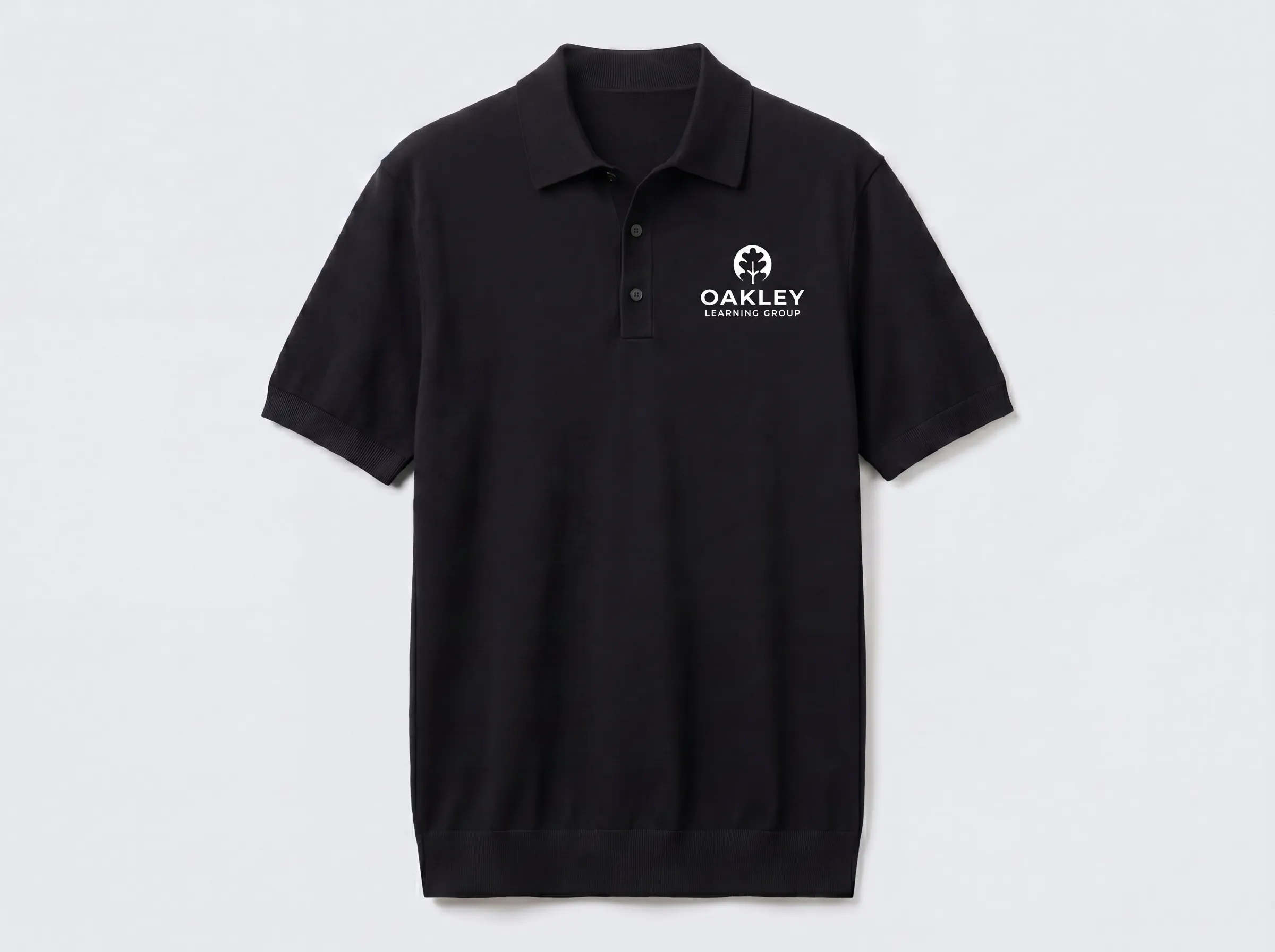
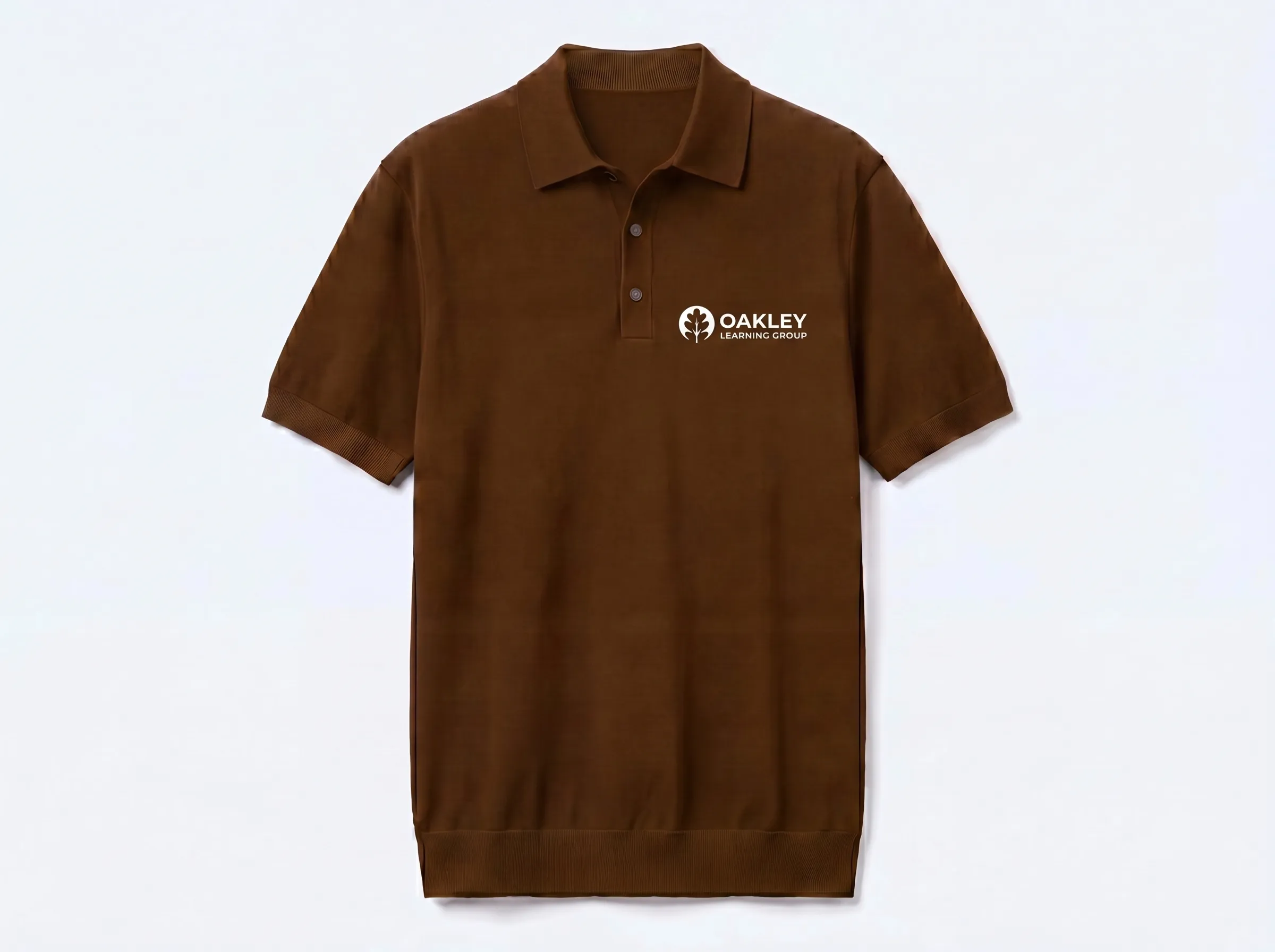
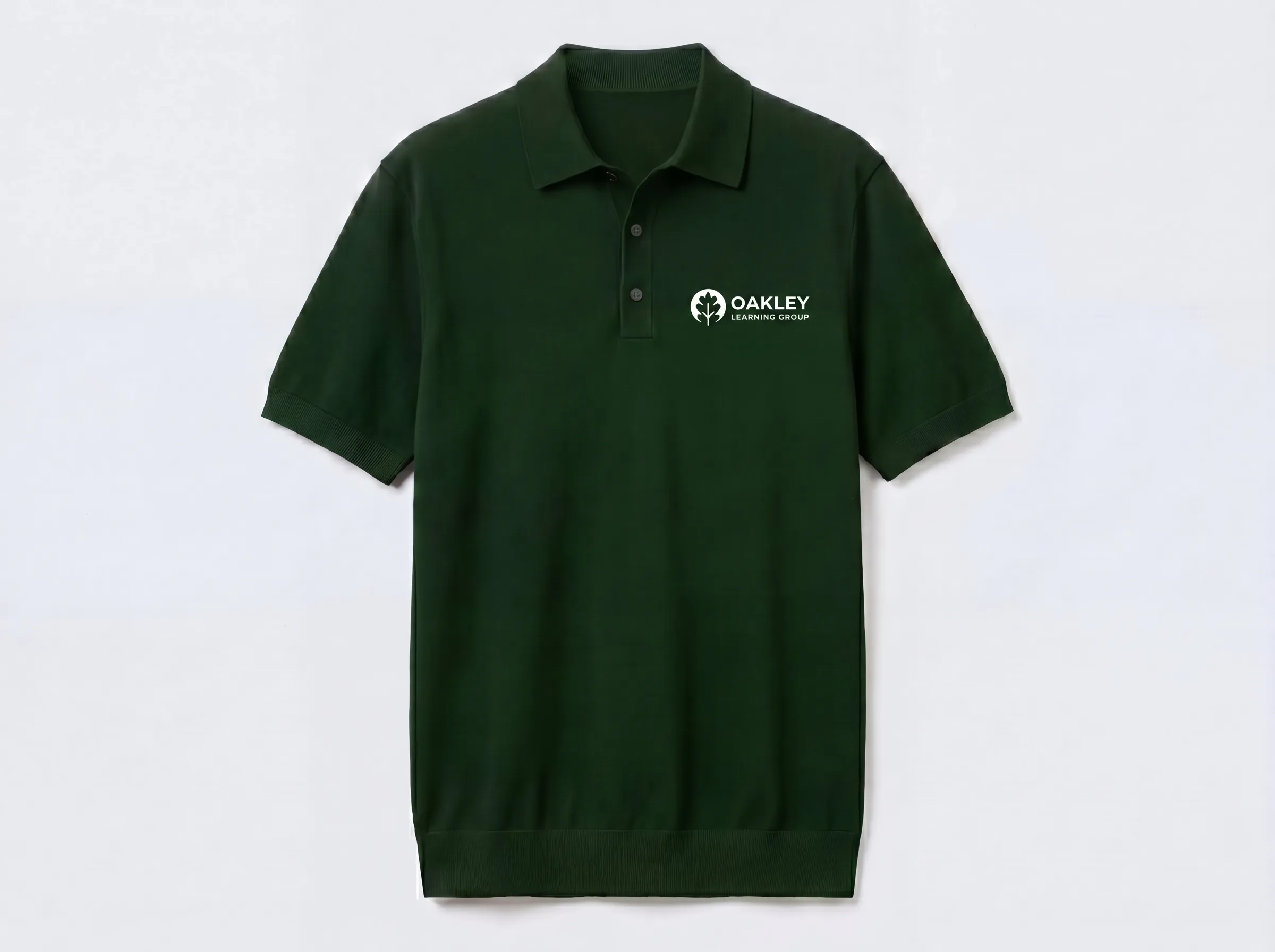
Swap a background, replace a logo, add custom apparel, and more without opening Photoshop. Use natural language to request photo edits, from basic content improvements to campaign-ready adaptations.
Explore Visual Studio
Social Media Captions
Generate copy directly from any media asset. The platform reads the visual context and writes distinct options. Pick the strongest draft and hit publish.
Explore Visual StudioGet Started
See how GenuineAI organizes, finds, and shares assets with AI-powered intelligence.